

How to use Mosyle's Admin On-Demand:
1. Click "Self-Service" on your Dock or launch from the "Applications" folder.

2. Once launched, Click "Admin On-demand"

3. Click the Request Admin Now button

4. Enter your justification here.

5. Once you have typed your justification, click "Continue"

6. Read and Accept the terms by clicking Continue

7. You will receive a notification confirming that your user has been upgraded. Click "Got it" to acknowledge.

8. Click this close button

9. Check for the notification, click the Date and Time (Clock)

10. You can see the notification you should expect to see below.
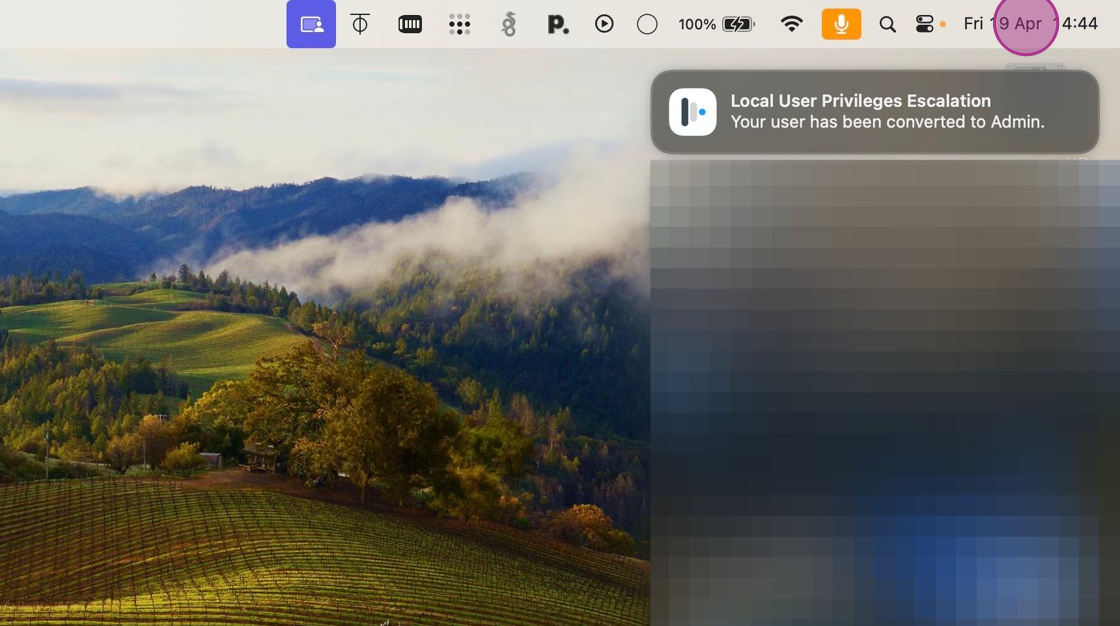
Should this notification not come through after five minutes, please check your internet connection or create a ticket to allow our team to look into this for you.
Comments
0 comments
Please sign in to leave a comment.